When thinking about a project, there are a lot of things to consider, including plan, budget, timeline, launch, and more. Many times these projects include print deliverables, which can prove to be a large challenge on their own. This blog will help go through a few considerations on how to best set up your documents for print jobs and how to communicate with your local printers about the specifications of your project.
Printing Considerations
RGB vs. CMYK
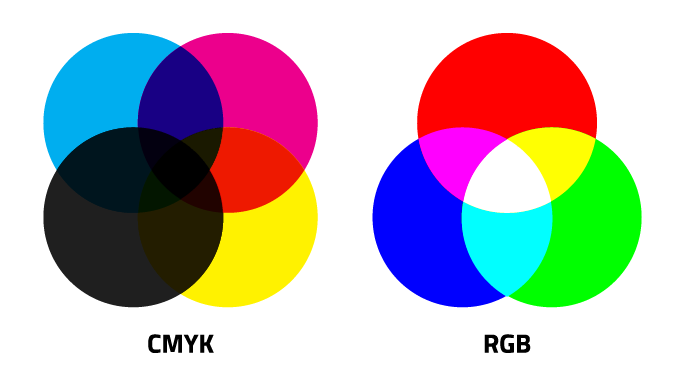
The system that creates colors on a digital screen is not the same system that a printer uses. Computers use RGB to create images, which consists of red, green, and blue. Printers, however, use CMYK (cyan, magenta, yellow, and black) to print high-quality imagery. While RGB has a greater color-range, it is necessary to use the CMYK when working with print deliverables.
When creating print pieces, it’s important to proof your design, for the colors that you see on-screen aren’t necessarily the same colors that will come out of the printer. Print your design throughout the process to make sure colors are coming out how you want them to.
Resolution
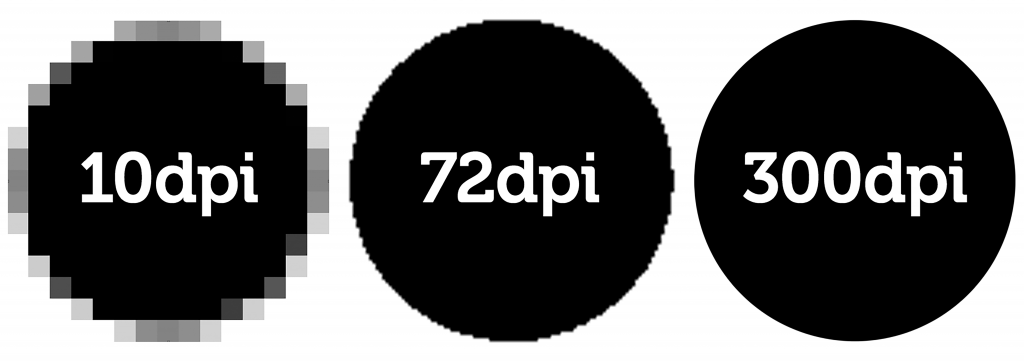
With web imagery, resolution isn’t as much of a priority as it is for print. Very high-resolution files are required for print projects, and a low quality image will come out pixelated and blurry.
DPI, or dots per inch, is the most important thing to consider for print imagery. This relates to how many dots the printer will create on one square inch of the paper. 300 DPI is best, and there’s no benefit in going higher than that.
DPI is not to get confused with PPI, however, which relates to pixels per inch which is used for digital design, not print design.
Scalability
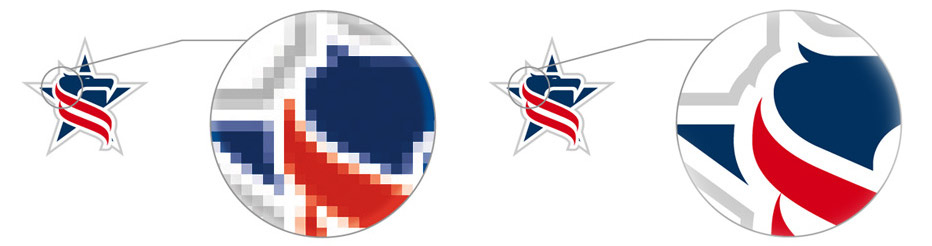
Things may look fine on-screen, but when printed at real size, imagery and other elements may come out blurry or non-legible.
Take a business card for example: One of the main elements of the design is typography, so be sure to make the typography large enough that is is legible and readable. It is best to avoid light or thin font weights for this reason.
If printing a large poster or advertisement, raster images will need to come at a high enough resolution to prevent the imagery from printing out blurry or pixelated. Vector images are recommended for this reason, since they are infinitely scalable.
Bleed
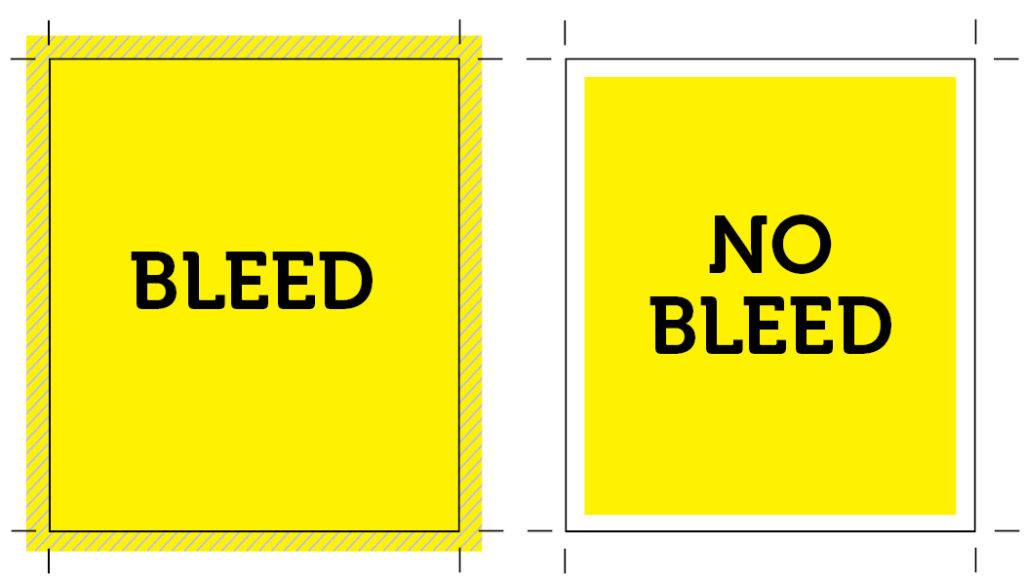
Bleeds are essential for any print work that has elements going right up to or off the edge of the page. The way printers cut the paper down isn’t an exact science, so designers should leave space around their design as room for error.
A good bleed is always at least 1/8″, but different printing companies will often require different amounts of bleed. Be sure to check with your local printing company to make sure you have the correct specifications for your document.
Proofreading

This sounds like an obvious tip, but one of the biggest pitfalls of print design is making a silly mistake after printing your project.
Spell check only catches about 75% of mistakes on average, and won’t pick up on many grammatical mistakes. Proper noun misspellings aren’t caught, and it won’t know if you’ve used the wrong homophones. Therefore, it’s important to proofread your work multiple times before sending it off to be printed into a physical form.
Typos aren’t the only thing to look out for, and kerning is something that can ruin a design just as much as a typo. Punctuation is something to keep an eye out for as well, and a printed proof is the best way to get your design in your hands to look over before going forward with the creation of multiple copies.
Print Estimates
A print estimate is more than just the cost of the job. It’s important to be in constant communication with your print shop to let them know your plan and blueprint for how you want your project printed, and you should provide the following:
- Size
- Quantity
- Ink
- Bindery
- Proofing
- Finishing
- Images
- Stock
Specifying this information for your printer ahead of time will help them get a clearer vision of your print project and (hopefully) save you some money by getting everything right the first time.
Physical and Digital Forms
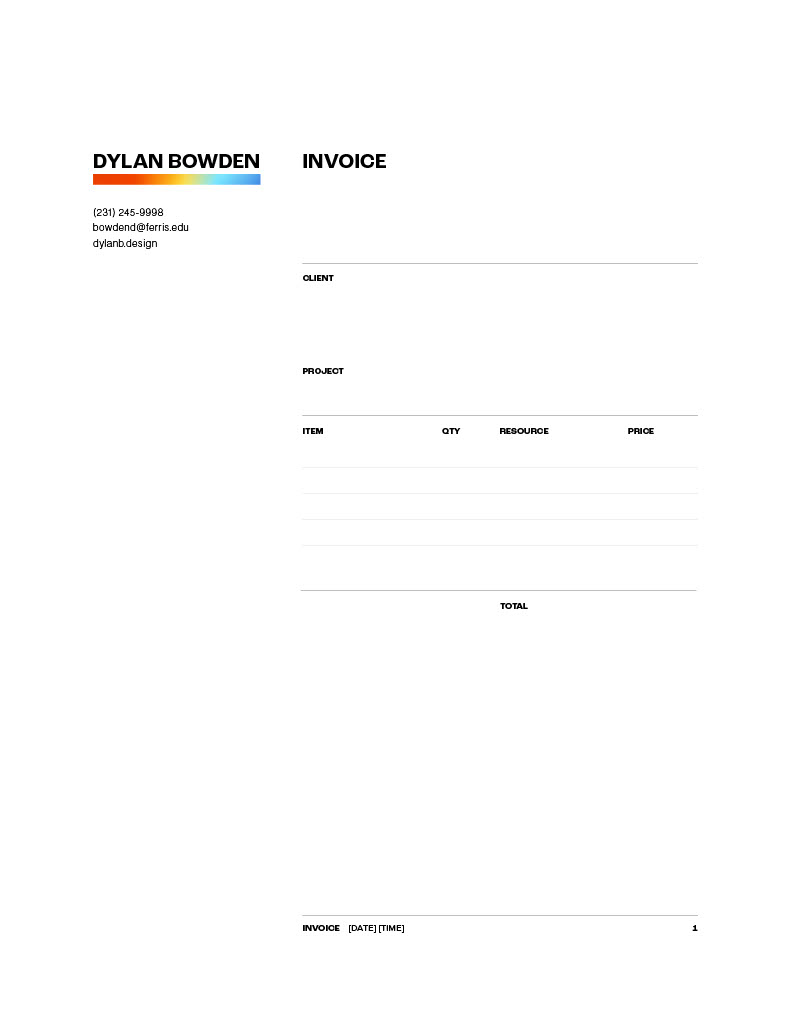
One of the best ways to communicate with your local printer is by creating templated forms that can easily be sent back and forth among yourself and them. Some forms include a cost estimate, a quote request, a specifications sheet, and an invoice.
One way to make things even more efficient is to make these forms interactive and send them as interactive PDF’s so that other individuals can quickly and easily fill out your forms without the need to print them out, fill them in by hand, and scan them back in.
Some examples of templated forms are shown below:
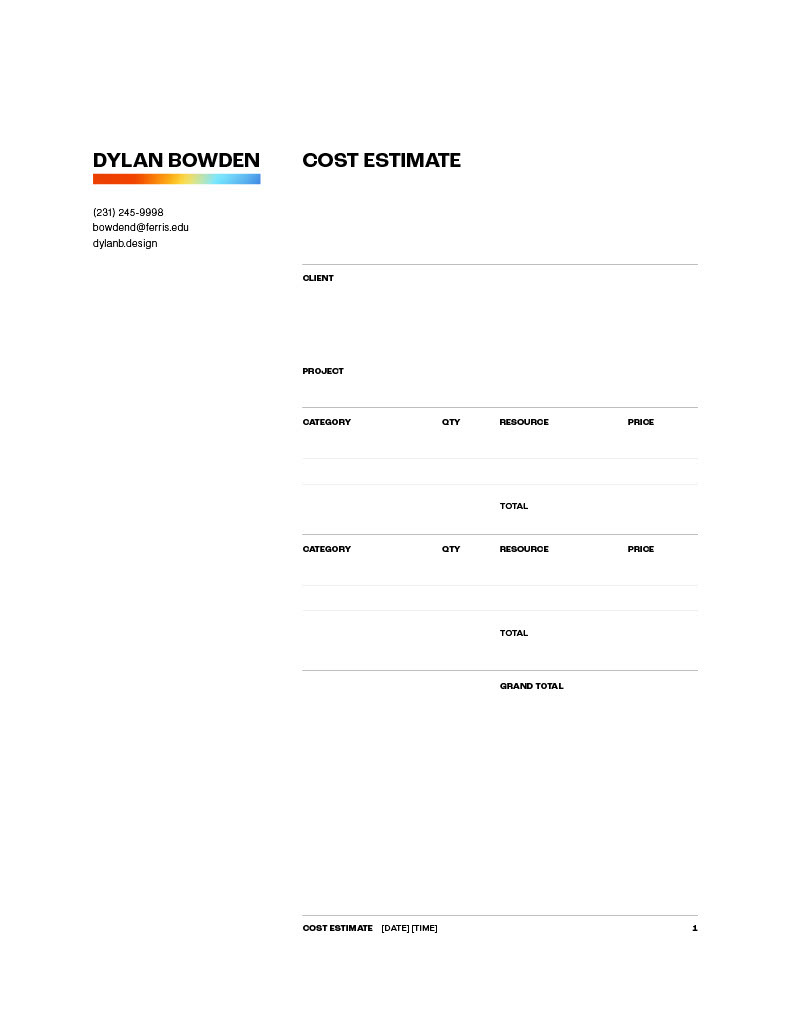
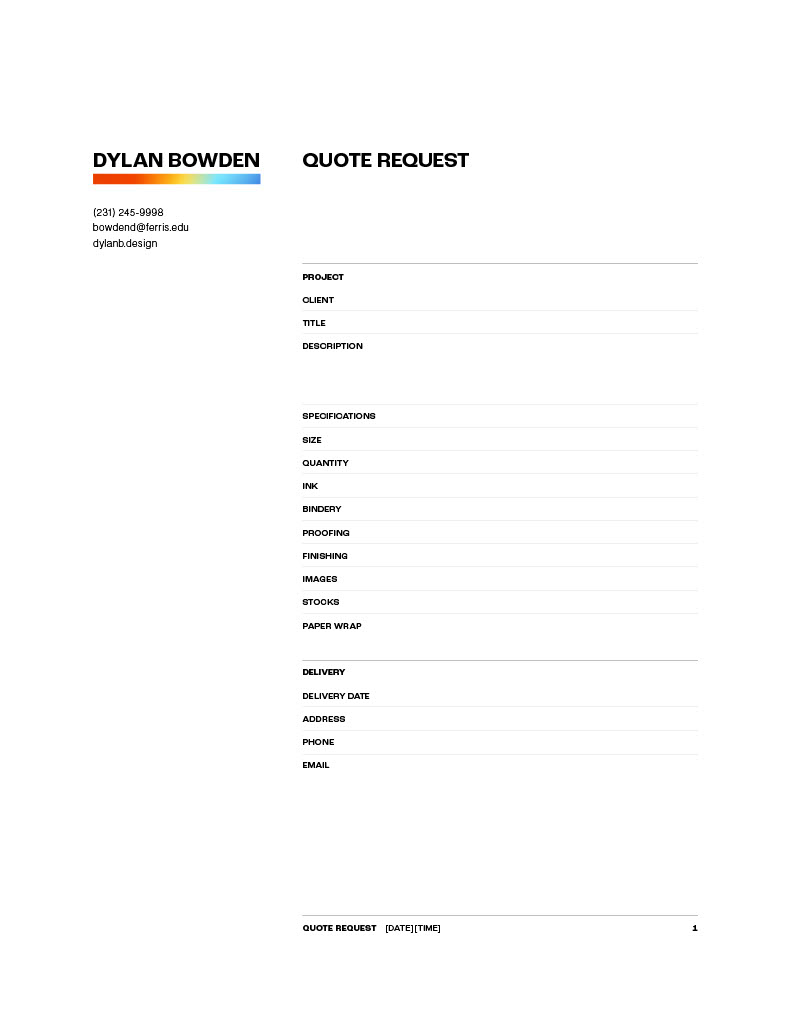
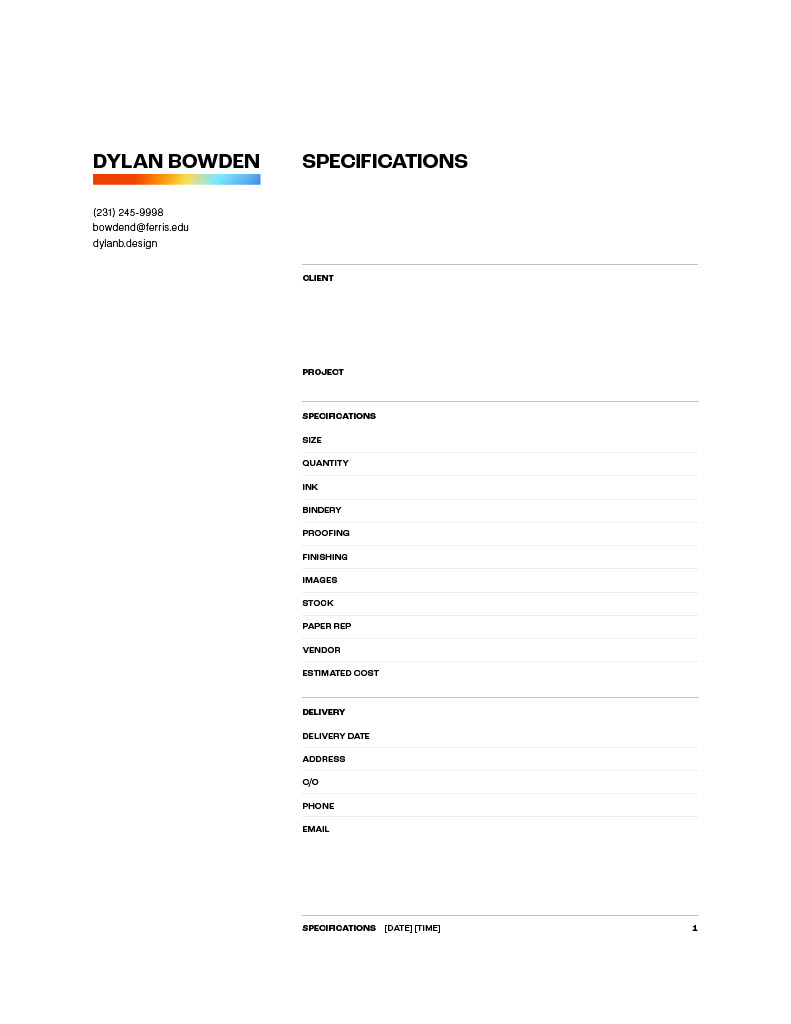
I hope that this blog has helped you further understand what is necessary when it comes to the printing process and the documentation it takes to create a successful deliverable.
References
https://www.creativebloq.com/advice/5-things-every-creative-needs-to-know-about-print-design